
How do I select a return for multiple items on the same order?Updated 3 days ago
How do I select a return for multiple items?
If the items are from the same order, they can be returned in one return. If they are from separate orders, each will need to be returned separately. Follow these steps for returning multiple items:
Start the Return Process:
- Select the first item you want to return and provide the reason for the return.
- On the next page, choose either to return or exchange the item.
- To replace the item with the same one, select the top option. Otherwise, select "Return Item" at the bottom to begin a return or exchange for another product.
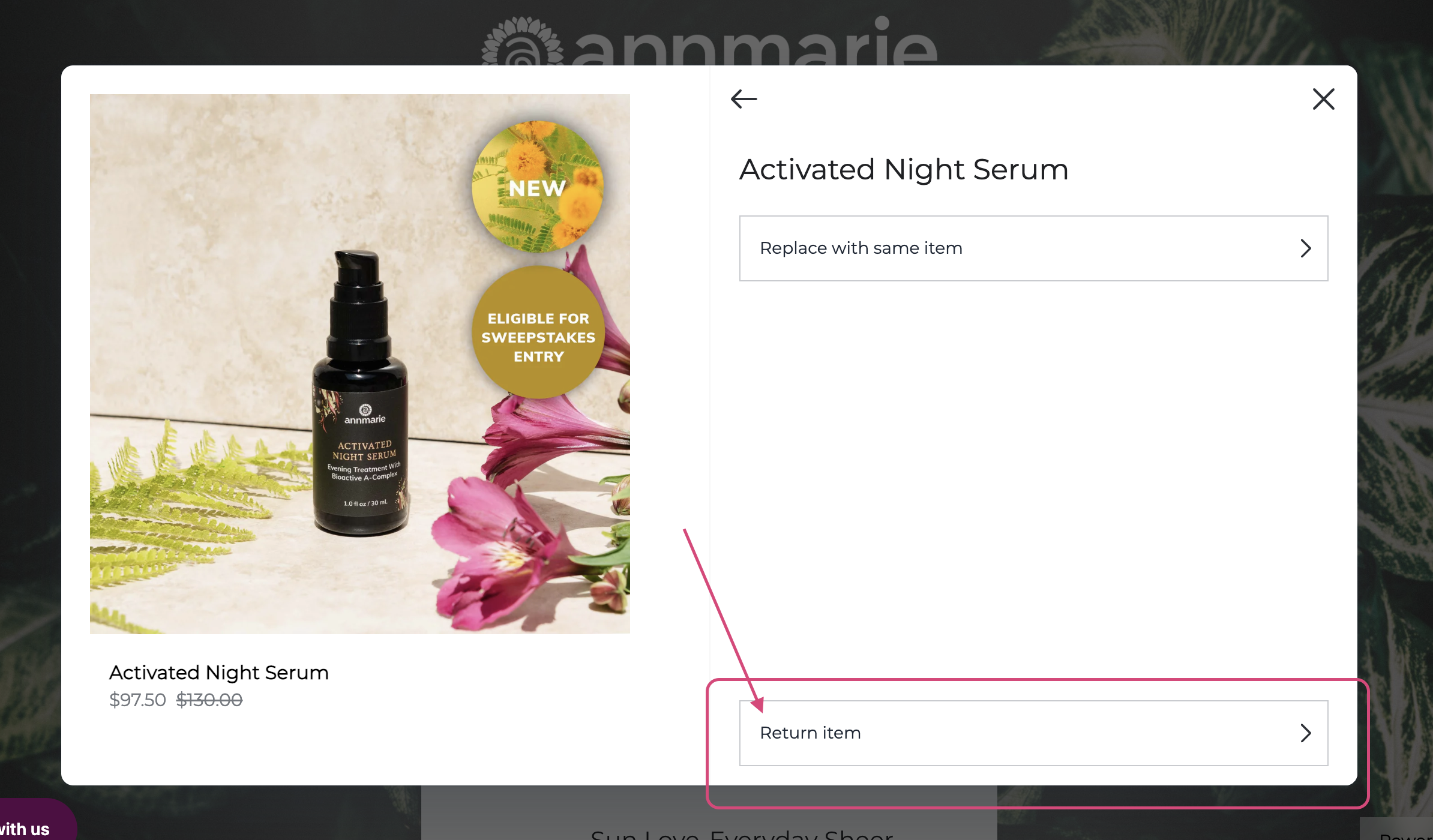
Add More Items to the Return:
- After selecting the return option, you will be brought back to the page with all items in the order.
- Select the next product you wish to return and repeat the process until all items are added to the return.
Complete the Return:
- Once all items are added, click "Continue with Return" at the bottom of the page.
- This will take you to the shop page where you can choose to "shop now" for an exchange item or opt to receive a refund.
Exchange and Refund Details:
- If you exchange a discounted item, you'll get credit for its full original price toward your new item. Refunds and store credit are for the amount you paid.
How do I start my return or exchange?
You will need your order number and postal code to get started. Click here to begin the return or exchange process. Follow the steps provided to handle the entire process on your own. If you need further assistance, refer to the steps outlined above.
What if I have additional questions or need further assistance?
We are always here to help! If you have any further questions or need assistance with the return and exchange process, please don't hesitate to contact us. Thank you for your patience and understanding.
Visual Aid: Here is a photo circling the return selection button for your reference.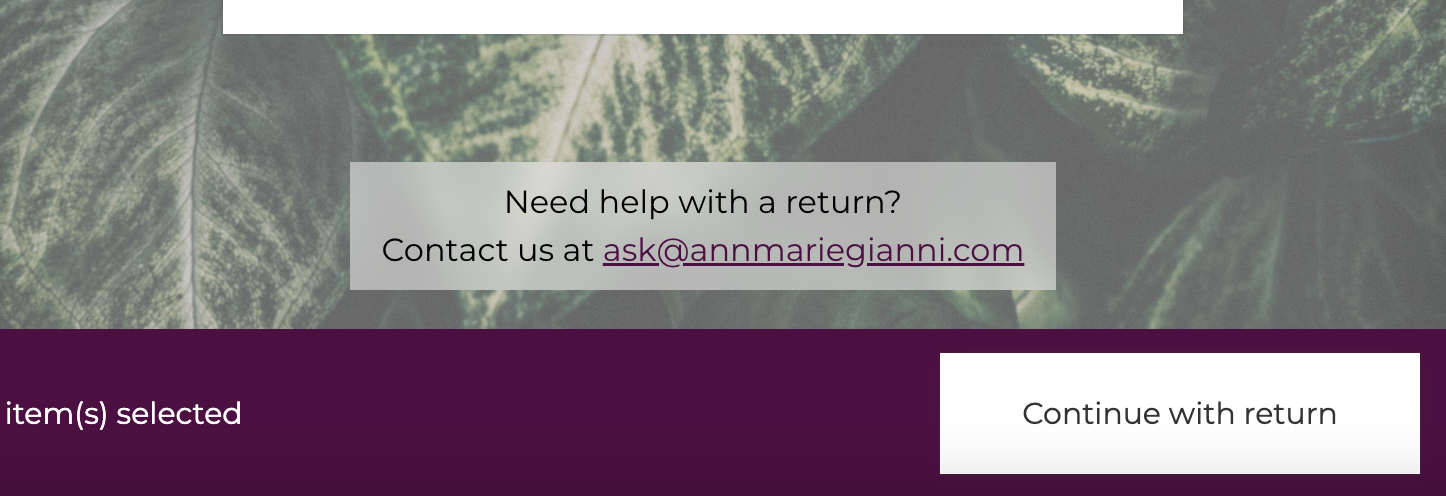
If you have any other inquiries, feel free to reach out to our customer support team.